
Which Email Integration Is Right for You: Mailchimp vs. Kit vs. Klaviyo
These platforms share a category name but operate on fundamentally different data models. Here's how to pick the one that works with your workflow.
Most people pick Mailchimp because they’ve heard of it, or Klaviyo because someone in a Shopify community recommended it. A year later, they’re either paying for unsubscribed contacts they can’t email, or running a sophisticated ecommerce segmentation tool against a blog that generates no purchase events to segment on.
These platforms share a category name but operate on fundamentally different data models. Mailchimp organizes around lists, Kit around tags, Klaviyo around behavioral events. That model determines whether the tool works with your workflow or against it.
In this guide, we’ll cover how each tool works, who they are built for, and how to route submissions to any of them using Formspree.
What you’re actually choosing
Before looking at features, identify what happens after someone subscribes. These three patterns are the most common:
- You send newsletters or product announcements to a list. You want a good editor, readable analytics, and low friction to send. Automations are optional.
- You sell something digital and want to move subscribers through sequences based on what they do: a welcome series, a purchase follow-up, a re-engagement campaign for people who stopped opening.
- You run an ecommerce store and want email behavior tied to purchase history: abandoned cart flows, post-purchase review requests, win-back campaigns for lapsed buyers.
Each of these requires a different workflow, not just a different tier of sophistication. A creator with 5,000 subscribers running a course business needs a fundamentally different tool from a Shopify store with the same audience size.
Mailchimp

Mailchimp’s organizing concept is the Audience. Every contact belongs to one (or more) Audience, and most features (segments, campaigns, automations) work within an Audience boundary.
You have one list, you send to it, and the dashboard works without much configuration. The drag-and-drop email editor is genuinely good, campaign analytics are readable without being overwhelming, and the plan includes basic landing pages and simple automations at every tier.
The free plan as of January 2026 covers 250 contacts and 500 emails per month, reduced from 500 contacts and 1,000 sends in prior years. Paid plans (Essentials, Standard, Premium) scale by contact count.
The billing structure is the catch. Subscribed, unsubscribed, and non-subscribed contacts all count toward your limit, and archived and deleted contacts are the only ones excluded. A contact who opted out two years ago still counts against your limit unless you manually archive them. At a few thousand contacts with normal churn, you end up paying for people you can’t reach.
Automations exist under “Customer Journeys”, but the interface is campaign-first. Building a multi-step drip sequence is possible, but the tool is built for one-shot sends, not conditional logic that branches on subscriber behavior. Tags exist, but they sit on top of Audience membership rather than replacing it.
Mailchimp fits businesses like local restaurants collecting email signups through their website and a counter QR code. They send a weekly specials newsletter. One list, one recurring send, low complexity.
Kit (formerly ConvertKit)
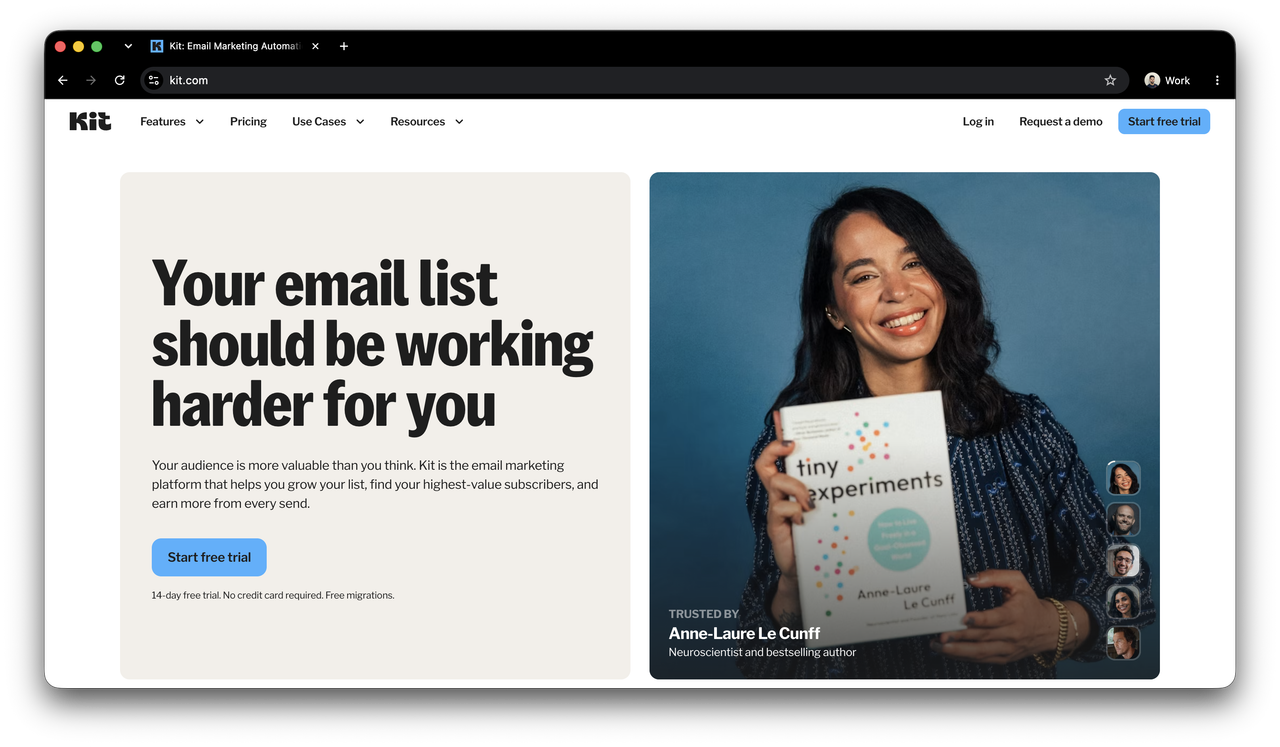
Kit’s organizing concept is the subscriber. Every contact lands in a single flat database. Tags, segments, and sequences determine what they see and when. When someone fills out your “download the guide” form, they get tagged guide-download. When they buy, they get tagged customer. A subscriber can carry both tags on a single profile without creating duplicate records.
Sequences are a first-class feature. The visual automation builder (trigger, condition, action chains) is the primary interface for subscriber journeys, built into the core product. Subscriber profiles show the full tag and sequence history for each contact, so you can see exactly what someone has received and when.
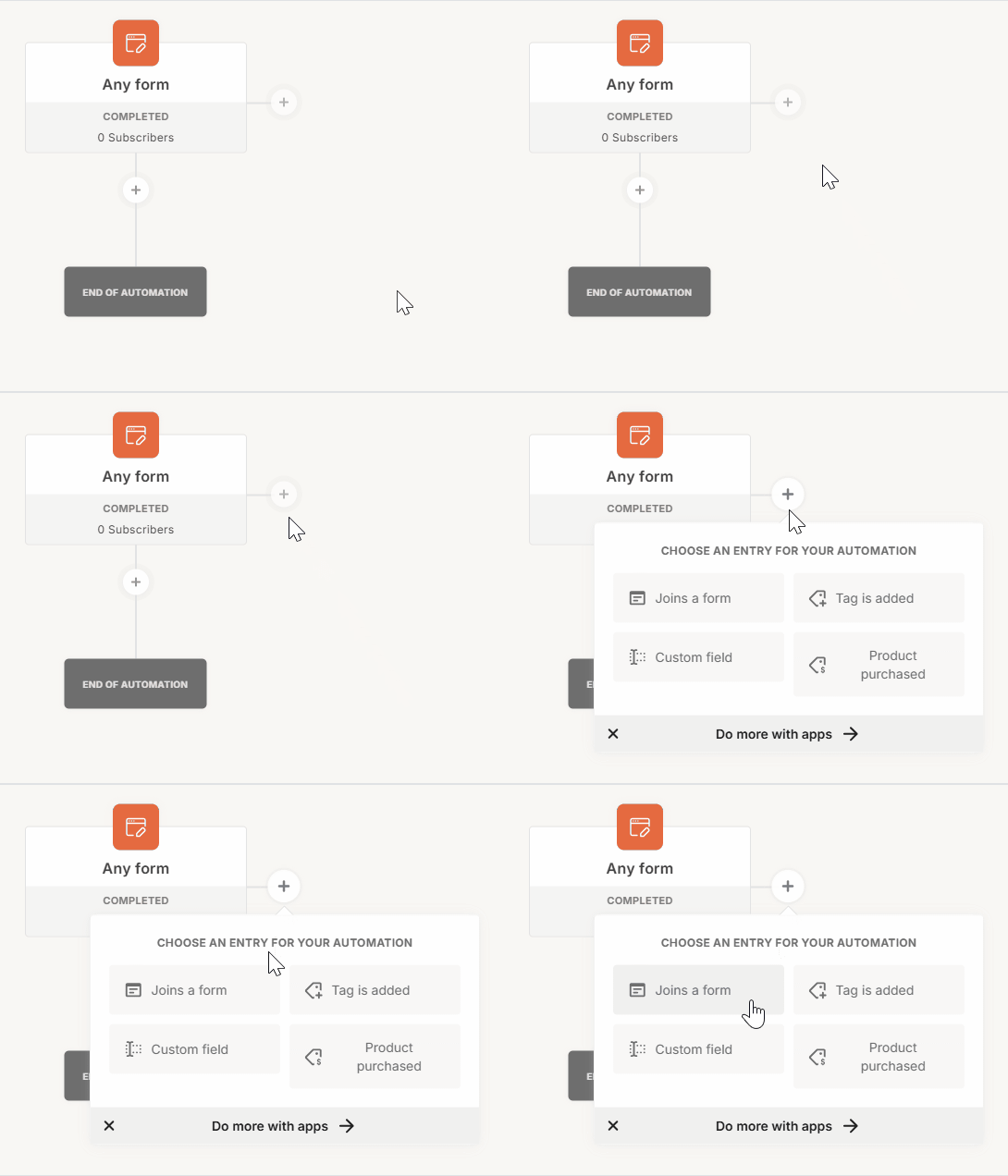
Building an automation in Kit (source: help.kit.com)
The free Newsletter plan covers up to 10,000 subscribers with unlimited emails and forms, but limits you to a single automation and excludes A/B testing and advanced reporting. Paid plans start at $33/month (billed annually) for 1000 subscribers and include unlimited automations.
The email editor is deliberately plain text — it fits creators whose readers expect a personal newsletter, not a designed marketing email. If you’re used to Mailchimp’s layout builder, it’ll feel constrained.
Reporting covers open rates, click rates, and automation performance. Revenue attribution is only available if you’re selling through Kit’s native commerce features.
The tag model requires upfront planning. Without a naming convention, you accumulate tags with no clear owner or purpose. Sketching a tag taxonomy before connecting your first form saves a lot of cleanup later.
Kit fits users like developers selling a Tailwind CSS course. They run a weekly newsletter, a 7-day email course that triggers on signup, and a post-purchase sequence that fires for buyers.
Klaviyo
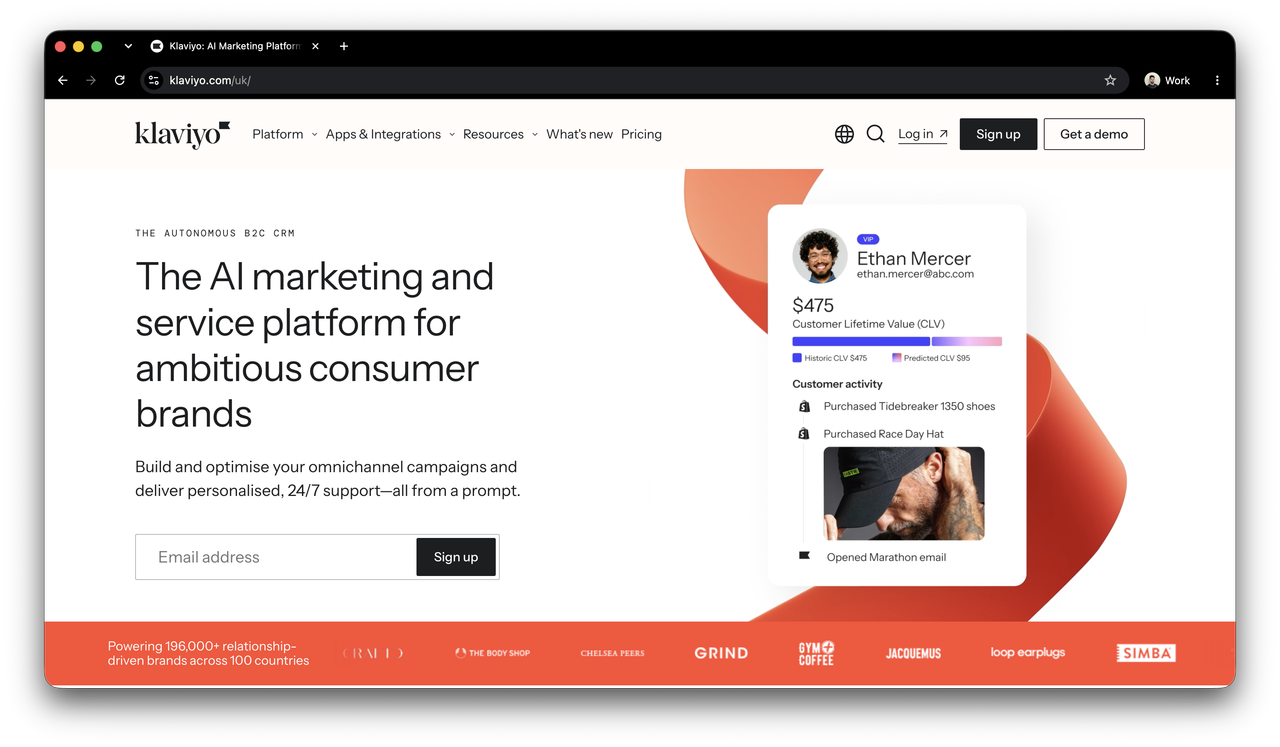
Klaviyo’s organizing concept is the event. A contact profile accumulates a history of behavioral events: products viewed, items added to cart, orders placed, refunds requested. That event history feeds directly into segmentation and flow triggers.
The Shopify integration pulls in order history, product catalog, and customer lifetime value automatically. You can build segments like “purchased in the last 30 days, spent over $75, hasn’t left a review” and target them with a dedicated flow. Flows ship with pre-built templates for abandoned cart, browse abandonment, post-purchase, and win-back campaigns. Revenue attribution runs per email and per flow, not just at the account level.
The free plan covers 250 active profiles and 500 email sends per month. Klaviyo moved to “active profiles” billing in early 2025, meaning you’re billed on contacts eligible to receive marketing, with suppressed and unsubscribed profiles excluded from the count. The Email plan starts at $20/month for 500 active profiles, and pricing scales from there. Most Shopify stores with any real transaction volume reach a paid plan within a few months.
Flows can get intricate, and the interface has more configuration surface than Mailchimp or Kit. If you’re running a blog or a B2B newsletter with no product data to feed into segmentation, that complexity adds friction without adding capability.
Klaviyo works well for businesses like DTC skincare brands on Shopify. Abandoned cart emails, a post-purchase flow requesting a review 14 days after delivery, and a win-back sequence for customers who haven’t ordered in 90 days. For a worked example of routing a form into Klaviyo with custom profile properties, see Ecommerce Lead Flow.
Connecting your form
The email platform choice only matters once your form is actually routing submissions there. Three approaches cover most setups.
The first is embedding the platform’s native signup form. Each tool generates an HTML snippet you paste into your site. The form works out of the box, but it lives inside the platform’s styling system. Matching it to your site’s design usually means working around their CSS, and you’re limited to whatever fields the embed exposes.
The second is calling the platform’s API directly from your own backend. You get full control over the form shape, validation, and submission behavior, but you’re building and maintaining an API integration for what is ultimately a subscriber sync.
The third option is a form backend such as Formspree that handles the POST endpoint and routes submissions to your email platform as a configured plugin. Your form is plain HTML hosted anywhere; the backend manages the integration and retries on failure.
Formspree supports Mailchimp, Kit, and Klaviyo as native plugins (available on Professional and Business plans), configurable from the Workflow tab. A field named email in your form becomes a subscriber in whichever platform you configure, with the field mapping set up in the dashboard.
A form that routes to Kit could look like this:
  <form action="https://formspree.io/f/YOUR_FORM_ID" method="POST">
    <input type="email" name="email" placeholder="Your email" required />
    <input type="text" name="first_name" placeholder="First name" />
    <button type="submit">Subscribe</button>
  </form>
Once you connect your Kit account in the Workflow tab and configure which tags to apply and which sequence to trigger, every submission creates a tagged subscriber with no server code on your end.
You can watch this video for a more detailed process on how to set up the Kit plugin in Formspree.
This approach also means switching platforms later doesn’t require touching your form HTML. You disconnect one plugin, connect another, and update the field mappings in the dashboard.
Making the call
The data model is the deciding factor. For newsletters against a single list, Mailchimp’s free tier is the easiest starting point — but archive unsubscribed contacts regularly or the billing will catch up. For creators building sequences and selling digital products, Kit’s 10,000-subscriber free tier is generous enough to stay on for months before needing to upgrade. For Shopify stores that want email flows tied to purchase behavior, Klaviyo is the only one of the three where that’s a native capability rather than a workaround.
The form-to-platform connection is the step most tutorials skip. A welcome sequence means nothing if the form submission isn’t reliably creating subscribers on the other end.